Where your data lives, who can see it, and how to get it out
Three questions worth asking any software company before you hand over your customer list. Here are CrewLineCRM's answers, including the parts that are not finished.
Separated in the database, not just in the app code Five things export to CSV; fifteen areas do not Backed up on a schedule
Is my data separated from other companies' data?
Yes — every record carries the company it belongs to, and PostgreSQL row-level security enforces that separation inside the database on every query, not in the application code where one forgotten line becomes a leak.
Row-level security is FORCE-enabled on every table that holds your records. Your company's identity is set as a transaction-local setting through a single choke point, so a pooled database connection cannot carry one company's context into the next request.
The direction of failure is the part worth checking. If that identity is ever missing, a query returns zero rows — not every row. A system that fails the other way shows you somebody else's customers.
- FORCE row-level security on every table that holds your records
- One choke point sets the company for the life of a transaction
- A missing company returns nothing, never everything
- An append-only audit trail per company, filtered by the permission that guarded the original write
The isolation has been reviewed and tested specifically for cross-company leakage — signing in as one company and trying to read another one's rows. That is our own testing, not an outside auditor's, and this page does not dress it up as one.
Can I get my data out?
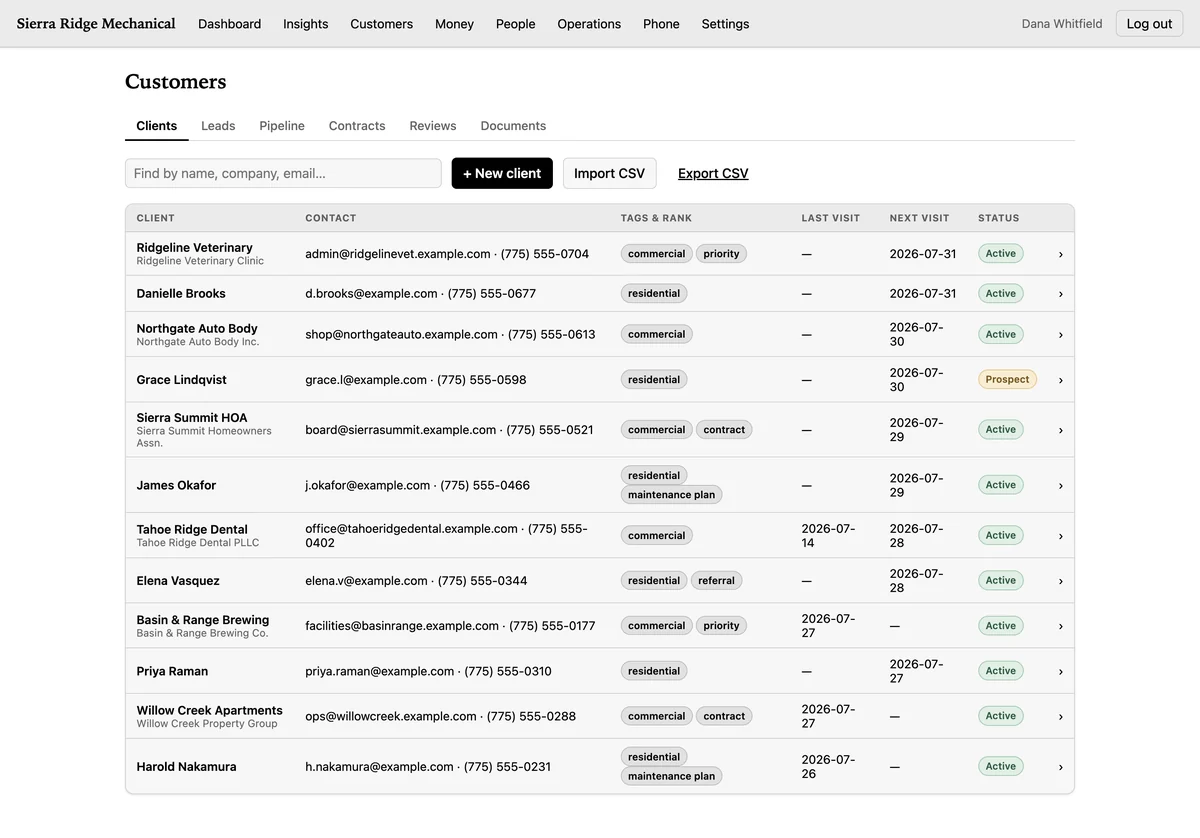
Yes — five things export to CSV from inside the product, with no request to us and no support ticket: customers, leads, contacts, reviews, and a manifest of your files.
The file is built on the server from the same row-level-security-scoped rows the screen shows you, quoted to RFC 4180, with spreadsheet formula injection neutralized so a cell starting with an equals sign cannot run when the file is opened.
Export is not tied to which modules you have switched on, so turning a module off never locks you out of your own rows. If you decide to leave, run it before you close the account.
- Customers, leads, contacts and reviews, in full
- A files manifest — what was uploaded and what it was attached to
- The manifest lists the files; it does not contain them. The photos and documents themselves are not in the download.
What does not export yet?
Fifteen areas have no CSV export at all: invoices, payments, recurring plans, expenses, payroll, books, staff, timesheets, time off, jobs, schedule, inventory, bookings, contracts and activities.
That is a real gap, and the product does not hide it either: the same list is printed on the export screen inside the app, so nobody finds out in month two. Your books are on screen and correct; there is just no button yet that hands you the file.
Export is owner and accountant only. A manager is denied it, because export takes every customer record out of the building at once — so if the person who runs your office is a manager, they cannot run it. Worth knowing while you set up the roles.
The complete list of what CrewLineCRM doesn't do — sales tax, overtime, imports, e-signatures and the rest.
Who inside my company can see what?
CrewLineCRM has four roles — owner, manager, staff and accountant — on a default-deny matrix: a role can do only what it has been explicitly granted, and every route must declare its permission or the app refuses to start.
| What | Who can do it |
|---|---|
| Export your data to CSV | Owner and accountant. A manager is denied. |
| See payroll, pay rates or the staff directory | Not staff — the role does not carry the permission at all. |
| Send an invoice, record a payment, issue a refund | Owner and manager. Staff can read an invoice and its ledger, but cannot act on it. |
| Approve, reject or reimburse an expense | Owner and manager. Staff edit their own drafts. |
| Approve or deny time off | Owner and manager. |
| Change a pay rate, a salary or a 1099 flag | Owner and manager, through a route of its own. |
| See what a job is worth | Not staff — the price is stripped on the server before it reaches the browser. |
| See jobs, schedule, timesheets and time off | Staff see their own rows, forced in the handler. |
| Permanently delete a customer record | Owner only. Everyone else archives. |
One more thing sits on top of a role rather than replacing it: an admin badge that adds inviting people, updating them and reading the audit trail. It does not carry billing, company settings, export or the books. How the four roles work, module by module.
What if I forget my password?
Use the "Forgot your password?" link on the sign-in screen. It emails you a reset link that works once and expires; using it signs out every other session, so a password you think is compromised really is dead once you have replaced it. If you cannot get into the mailbox itself, a person can confirm who you are and reset it by hand.
Said plainly, because it affects you. If you are the only owner and you lose the password, you cannot let yourself back in. You can change it from inside the product whenever you like, and a second owner means one of you can always get in. From outside, it takes a human, and a human is slower than a reset link.
Is my data backed up?
Yes — the database is backed up on a schedule, and restoring from those backups is rehearsed rather than assumed. We are not publishing a frequency or a retention window here until we can state one we would be held to.
A backup is our safety net, not your copy. If you want your own records in your own hands, use the CSV export above: that is the one you can run yourself, today, without asking. The files you upload live in the backup rather than in the export, so getting an uploaded photo back is a request with a turnaround on it, not a download.
Does CrewLineCRM hold my customers' card numbers?
No — CrewLineCRM records a payment against an invoice, cash, check, card or anything else, and does not process it. Taking the card still happens wherever you take it today.
That is a limitation, and it is listed as one. It is also the answer to a data question: the product never sits between you and your customer's money, so there is no card of theirs for it to keep.
Does this site track me?
No — this site loads no third-party scripts, no analytics and no advertising pixels, which is why you have not been asked to accept cookies.
It is enforced rather than promised. The site is served with a content security policy of default-src 'self', so the browser refuses to load anything from another host at all, including a font. That covers this website; what happens to records inside the product is described in the privacy policy.
Why are there no security badges on this page?
CrewLineCRM has no SOC 2 report, no published uptime number and no accessibility conformance claim, so none of them appears on this page.
- No compliance badge. No SOC 2, no ISO 27001, no PCI seal. None has been audited, so none is claimed.
- No uptime percentage. Nothing publishes a measured figure today, and a number nobody measures is decoration.
- No accessibility conformance level. Neither this site nor the product has been formally tested against WCAG.
- No customer count, star rating, testimonial or case study. There are none yet, and inventing one is the fastest way to lose a buyer who checks.
How do I get an account?
Access is by request — there is no signup button. You send a short form, a person reads it, and if CrewLineCRM fits your shop that person sets up the account.
- Your records are separated in the database, not just in the app code.
- Customers, leads, contacts and reviews export to CSV whenever you want them.
- The fifteen areas that do not export are named, here and in the product.
- No third-party trackers on this site, so no cookie banner.